15 Best Ways To Protect Your
Gmail Account From Hackers
15 Best Ways To Protect Your Gmail Account From Hackers
#1 Using Ugly Email
 Best Ways To Protect Your Gmail Account From Hackers
1. Open your Google Chrome browser on your
PC.
3. Click “Add to
Chrome” in the new tab and you are good to go.
4. Now this
will get added to your chrome at the right
corner.
5. Now
whenever you login into your Gmail account and open emails then you will see an
“evil eye” sign. This indicates that email is a tracking email.
#2 Google 2 step verification
 Best
Ways To Protect Your Gmail Account From Hackers
Best
Ways To Protect Your Gmail Account From Hackers
This is a very secure and
safe process that keeps your Gmail account protected from various disasters.
The users are provided with a one-time login code to a secondary device through
text or Google authentication app. But the text is best. The secondary device
can be mobile, laptop or any other device. In order to access your Gmail
account, the hackers should identify the security code for the secondary
devices also. This code can be numbers or any other thing.
#3 Stay out of the spam/phishing messages
 Best Ways To Protect Your Gmail Account From Hackers
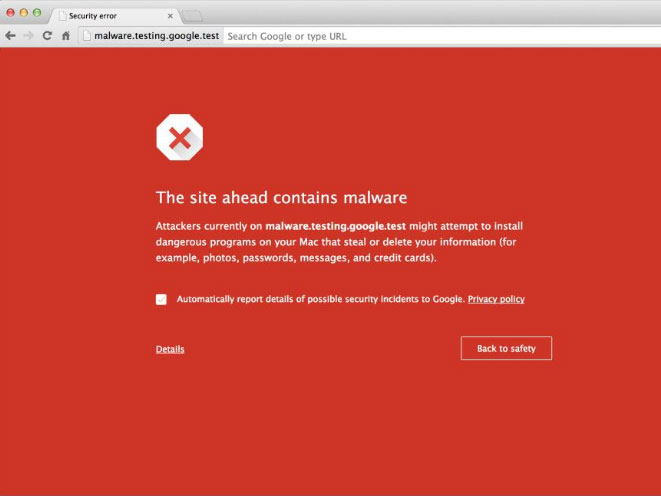
Try to avoid the spam or
phishing folders. The most malicious emails contain the subject line as:
·
Your money is waiting
·
Claim your reward
·
Get back to me
Also, you can receive some
messages with the subject line as ‘Your Amazon. Com order has been shipped’. To
keep the Gmail account safe, you can use the unique account for Amazon, e-bay
and do not open those emails which you receive in another account.
#4 Do not disclose the password
 Best Ways To Protect Your Gmail Account From Hackers
Never share your password with
anyone. If Google wants your Gmail password then do not give it through any
link rather go to https://www.gmail.com orhttps://accounts.google.com/ServiceLogin and log in.
#5 Account recovery option: Keep the mobile number up-to-date
 Best Ways To Protect Your Gmail Account From Hackers
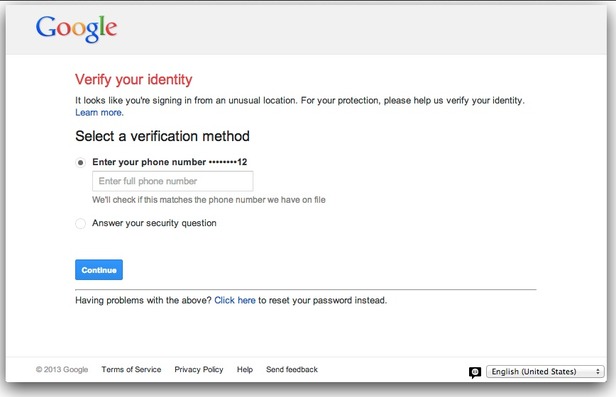
It is advised to keep the
mobile number up to date because Google sends the security code on your mobile
number. In case your account number is hacked then they should know your
current phone number to let Google send you the security code.
#6 Use a recovery email address
 Best Ways To Protect Your Gmail Account From Hackers
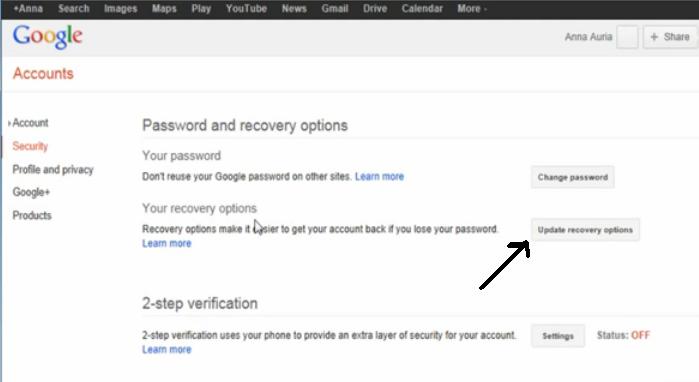
Email address is the other
option that Google uses for sending security codes. You need to have a
secondary Email ID where Google can send the security code if you forget your
password.
#7 Secondary email address
 Best Ways To Protect Your Gmail Account From Hackers
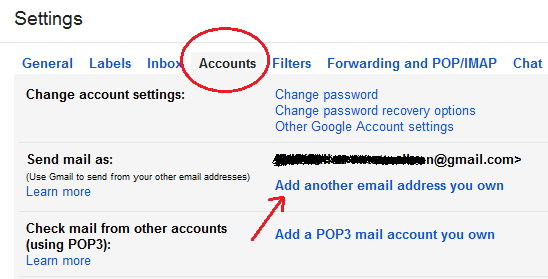
Try using a secondary email
address to sign in the Gmail account. But this account should not be the part
of your Gmail account or Google account.
#8 Use secure connection
 Best Ways To Protect Your Gmail Account From Hackers
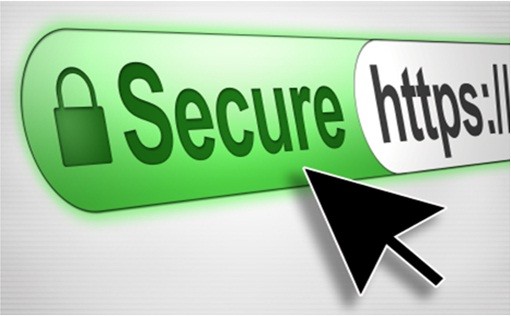
Gmail account should be set
to use the secure connection that is denoted by HTTP before the URL address and
this can be set by going to settings>General> browser connection. You
should always use VPN for login.
#9 Use strong and long password
 Best Ways To Protect Your Gmail Account From Hackers
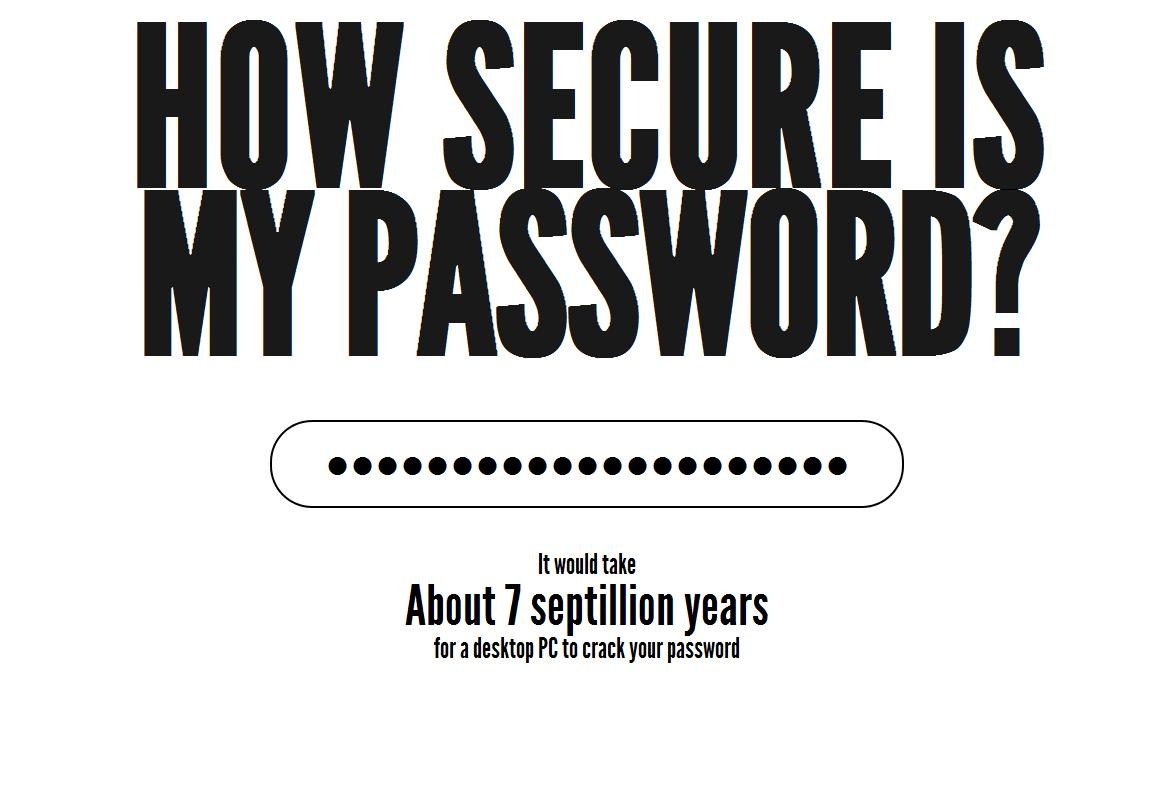
The longer password can
better protect your Gmail account. Do not use any words in the passwords that
can be found in the dictionary. Try to use #, *, $ in the password to make it
strong and safe.
#10 Incognito
 Best Ways To Protect Your Gmail Account From Hackers
When you are using the
account in public such as in the hotel or in café, use private mode or
Incognito as it will prevent any cookies or web history from getting stored.
But if you do not find any option then delete all the cookies and web history
when you log out.
#11 Checking Filter Forwarding and POP/IMAP
 Best Ways To Protect Your Gmail Account From Hackers
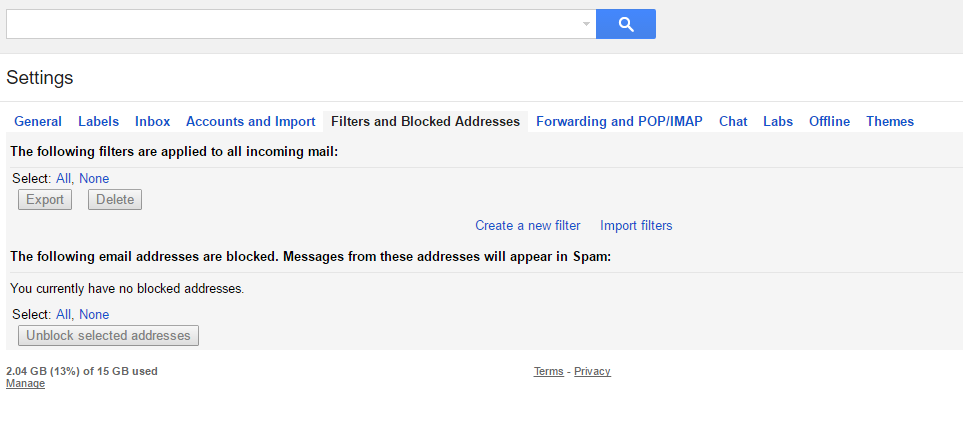
Hackers can try adding
filters on victims account. Filters can potentially transfer emails as long as
the victim has the filter in his account. So, if you notice any suspicious
filters added on your account, you need to delete the filter.
#12 Remove Apps Connected with your Account.
 Best Ways To Protect Your Gmail Account From Hackers
Actually, Gmail users
wouldn’t notice while connecting any apps with their accounts because apps are
connected with Google account. Hackers can try to install the app in your Gmail
account through various sources like Play store etc. Therefore, you need to
head over thispage and
revoke any unauthorized access.
#13 Track Your Gmail Account Activity
 Best Ways To Protect Your Gmail Account From Hackers
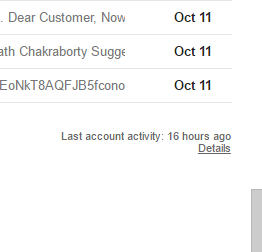
This is the evergreen
method to check your account activity. You need to find out “Last Account
Activity” which is usually located on the lower right corner and click on
“Details”. Here you can see all your access type, location and also a date. If
you notice any unauthorized login, simply change your password to avoid hacking
attempt.
#14 Never Ignore Gmail Security Alerts.
 Best Ways To Protect Your Gmail Account From Hackers
Gmail very often asks its
users to update their security and we ignore it completely. However, Gmail only
notifies it’s users when they feel it’s necessary to update the security. These
type of alerts are clear indication that someone tried to log in with your
account. So always make sure you updated the security features.
#15 Always Sign Out
 Best Ways To Protect Your Gmail Account From Hackers
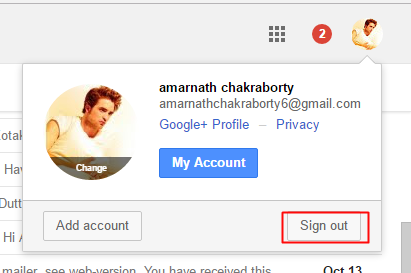
Anyone could access your
Gmail account if you left it Signed in. The Sign out button is there for a
reason. Therefore, make sure you hit the button before closing the browsers
window.
