
15 Ways To Secure Your
Facebook Account From Hackers
#1 Create Strong Password
Always create a strong password of your
account. As there must not be a password which gets easily figured by the hackers.
As there is a hacking technique called dictionary
attackswhich used to compare your password with every English word. So if
you have the password in simple English words then it will get easily tracked by the hackers so always
use complex passwords like “techviral!@#$%“.
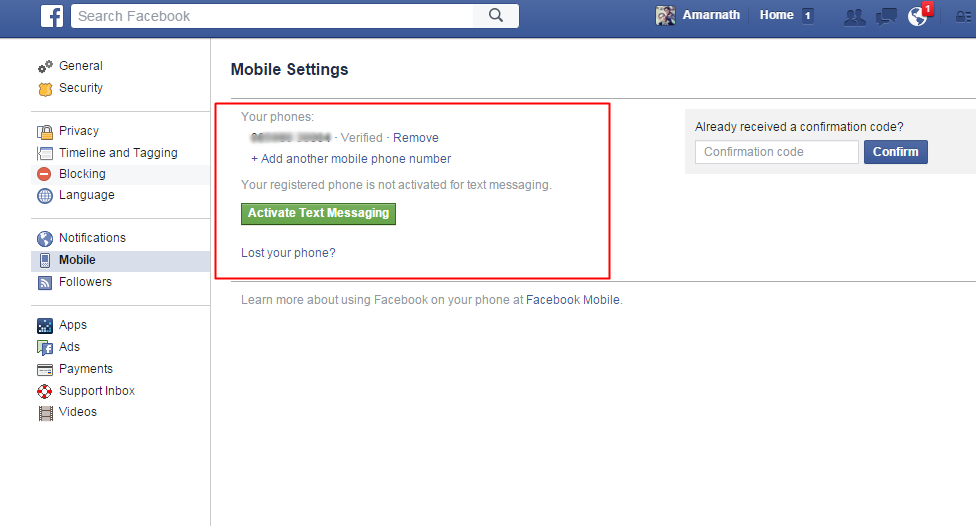
#2 Confirm Your Mobile Number
Confirm your mobile number in your
facebook account. This will help you to reset
your password when you
lose it. And you will also get the notification about the change of password in
your mobile.
#3 Email Address
 Email Address
·
Always keep your email id hidden from everybody for that go to my profile, and personal information, and let your id be visible to only you.
·
Also, remove all your email addresses, and change the primary one
as the one which is known to you only.
·
Now for additional safety, use the secure browsing and send an email when
logged into from another browser option active in your account.
Also Read: 7 Things I Bet You Don’t Know About Facebook
#4 Activate ‘Login Approvals’
 In Facebook, login
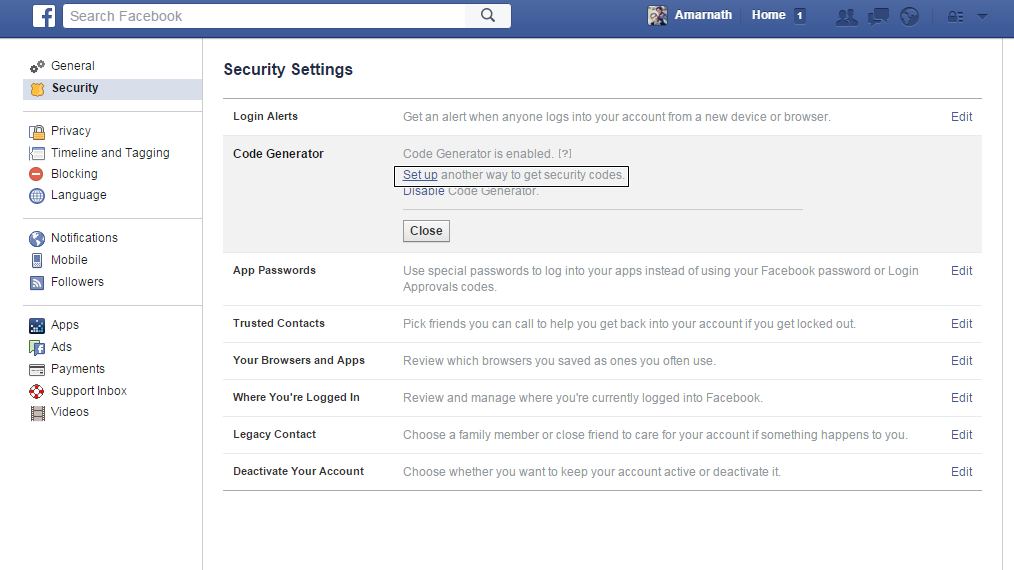
approvals is an extended security feature and it will require you to enter a security code each time
you try to access your Facebook account from unrecognized devices. So to
activate Login Approvals, go to Account Settings
> Security, look for Code Generator and click on the Edit button and setup the ways to get codes for login.
In Facebook, login
approvals is an extended security feature and it will require you to enter a security code each time
you try to access your Facebook account from unrecognized devices. So to
activate Login Approvals, go to Account Settings
> Security, look for Code Generator and click on the Edit button and setup the ways to get codes for login.
#5 Try to access Facebook from Your computer only
#6 Social Engineering Attacks
This could involve any
trick that could fool you into giving out your personal details and also
from your security questions in general discussion to emails that could be a spam or
somebody from Facebook requesting you to change your personal Facebook details. These all
are spam emails, so be aware of these emails.
Also to prevent yourself
from being fooled by such tricks, stay cautious all the time and also keep
security question to which answers would remain restrained to you only. Facebook will never ask you to change the password so all the related emails can fool you and your facebook account
can be in danger.
#7 Disconnect Previous Active Sessions
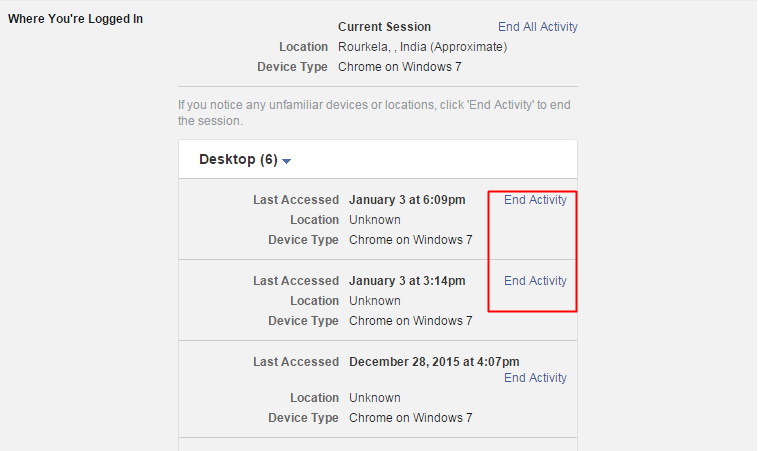 Disconnect Previous Active Sessions
Facebook provides a very
helpful feature to track active sessions.You can
see that by going Account Settings >
Security page, look for ‘When You Have logged in‘ and kill all the unusual activities from this. This
will log out your facebook account from that device which you have killed.
#8 Don’t ‘Keep Me Logged In’
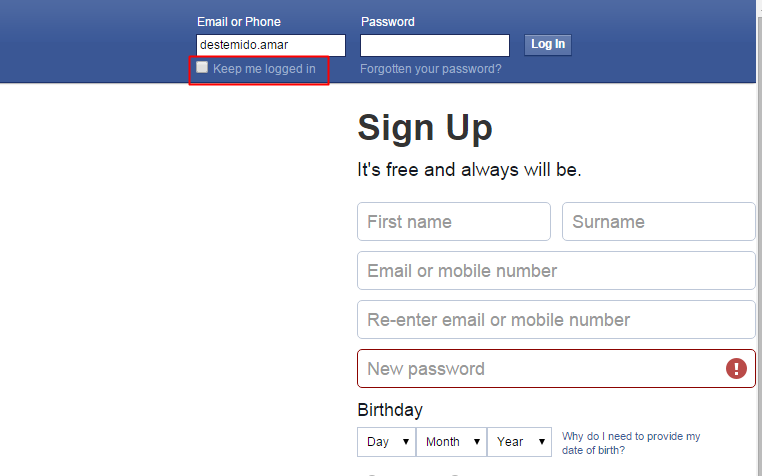 Don’t ‘Keep Me Logged In’
When you are at the login screen of facebook there you see
an option Keep Me Logged In, Don’t keep it check as this will remain your
account logged in that device and your account can be easily accessed by any
other who is able to use the device, so also, remember the option Kep Me Logged In to be unticked each time
you log in.
#9 Having an Anti-Virus and Internet Security
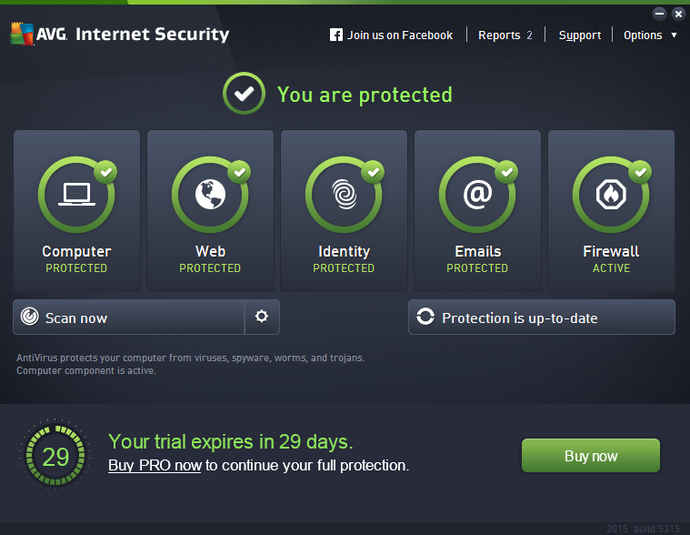 Having an Anti-Virus and Internet Security
Some people accidently
click on links that can download malware. So having a good security system in
PC ensures the privacy and security of your online browsing. Therefore, make
sure to scan your whole computer at least once a week.
#10 Check your Web browser for spyware
 Check your Web browser for spyware
Check whether you have
installed any extensions or plugins in your web browser that looks suspicious,
because sometimes extensions or plugins can compromise your social media
accounts. Google chrome is the most secure and powerful web browser available
on the internet right now.
#11 Phishing Attacks
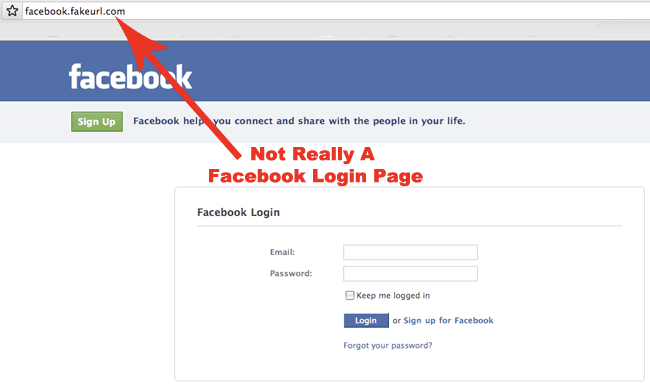 Phishing Attacks
These are more common
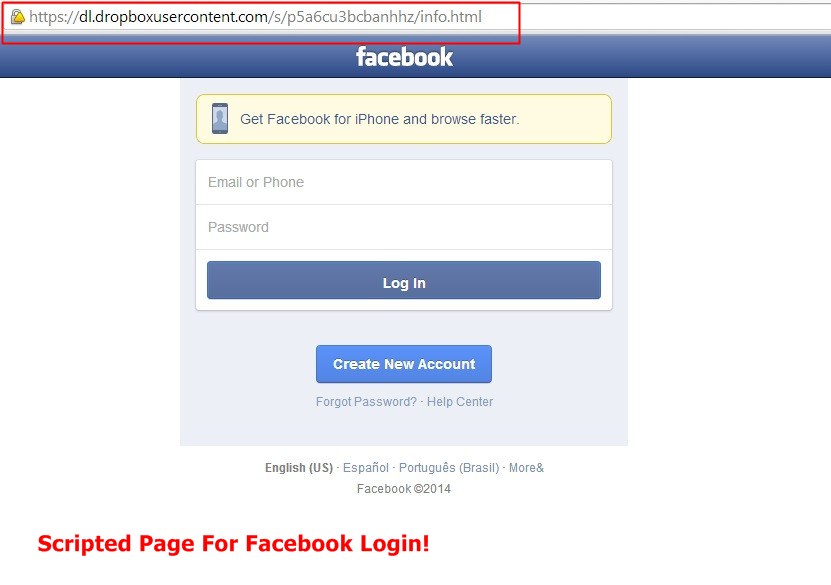
attacks by hackers to a user. In this attack, hacker sends a link to a
user and the link will open the exactly same
looking facebook page but the only difference is that when you enter
you facebook ID and
password that will
not go to facebook it will be sent to the hacker. So don’t open such links.
#12 Keyloggers
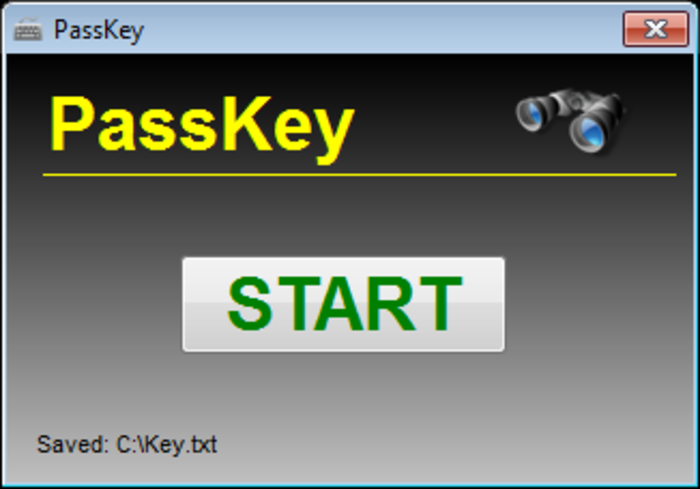 Keyloggers
Keylogger is a virus that
can be installed on your computer by a cracker, and
keep a track of all the activities happening in there and it can be done
remotely, and even more easily if the cracker has personal access to the
computer. Also, this keylogger will record all your keystrokes with
screenshots.
#13 Incognito
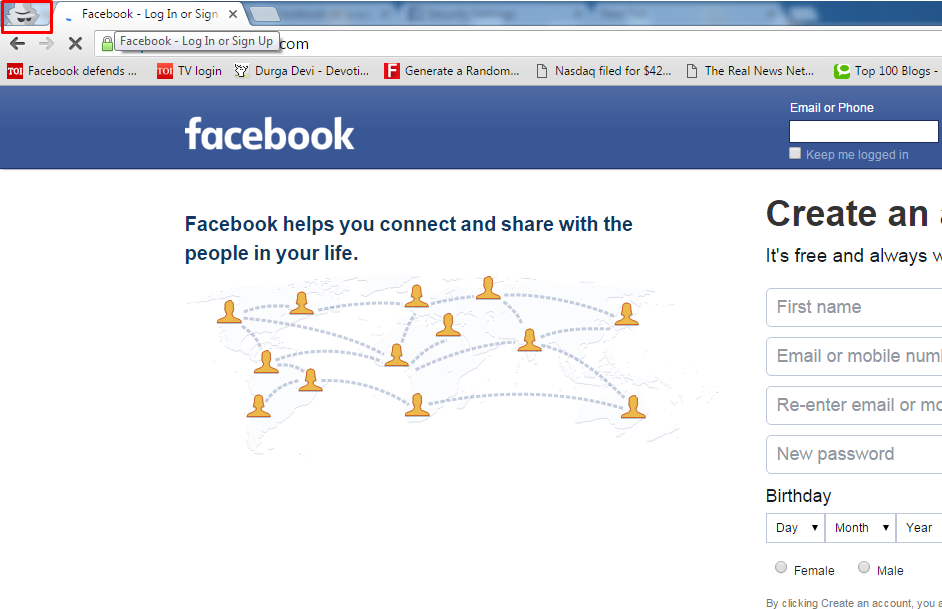 Incognito
When you are using the
account in public such as in the hotel or in café use private mode or Incognito as it
will prevent any cookies or web
history from
getting stored. But if you do not find any option then delete all the cookies
and web history when you log out.
#14 Use Secure Connection
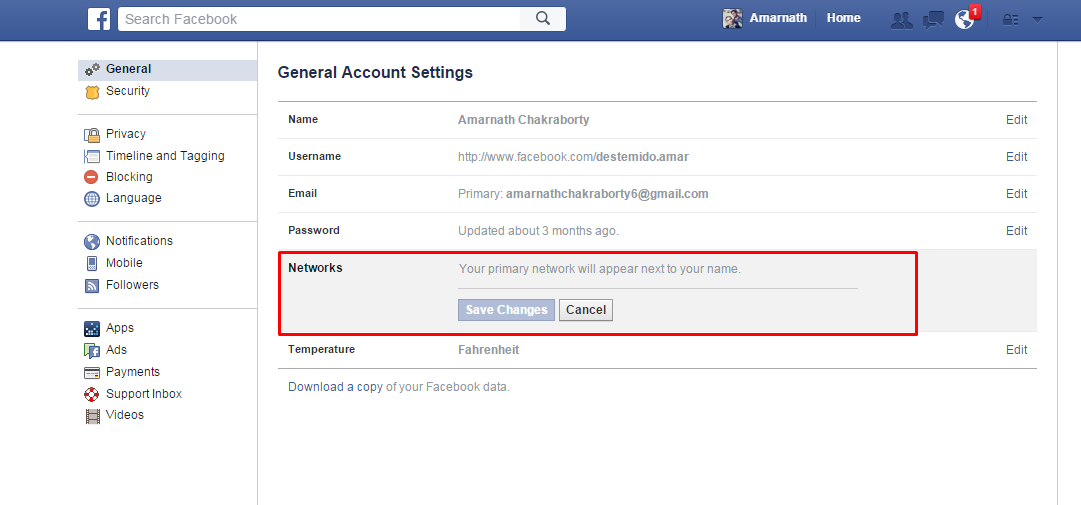 Use Secure Connection
Facebook account should be
set to use the secure connection that is denoted by HTTP before the URL address
and this can be set by going to settings>General>
browser connection. You should always use VPN for login.
#15 Always Logout
 Always Logout
Don’t ever forget to hit
the logout button before you leave facebook. To be honest! Many people don’t
even take it seriously to hit the logout button before leaving facebook. If you
don’t log out of your account, then hacking your ID is simple if there is
potential for some else to use the same computer as you.



No comments:
Post a Comment